

Namek
Event badge scanner — hold up a name, get a 3D animation.
Namek is a Windows desktop app for live events. A camera watches for a held-up name badge, OpenCV finds the badge's QR code and crops to the name region above it, PaddleOCR reads the name, a badge-layout anchor locks on a single clean read, and a 3D themed animation of that name plays over a background video on the operator screen — with an optional second monitor as a player-only stage. Wails v2 (Go + OpenCV) on the back, Svelte + TypeScript + Three.js on the front, fully offline by design.
- Go
- Wails v2
- Svelte
- TypeScript
- Three.js
- PaddleOCR
- OpenCV (gocv)
- SQLite
- NSIS
- Windows
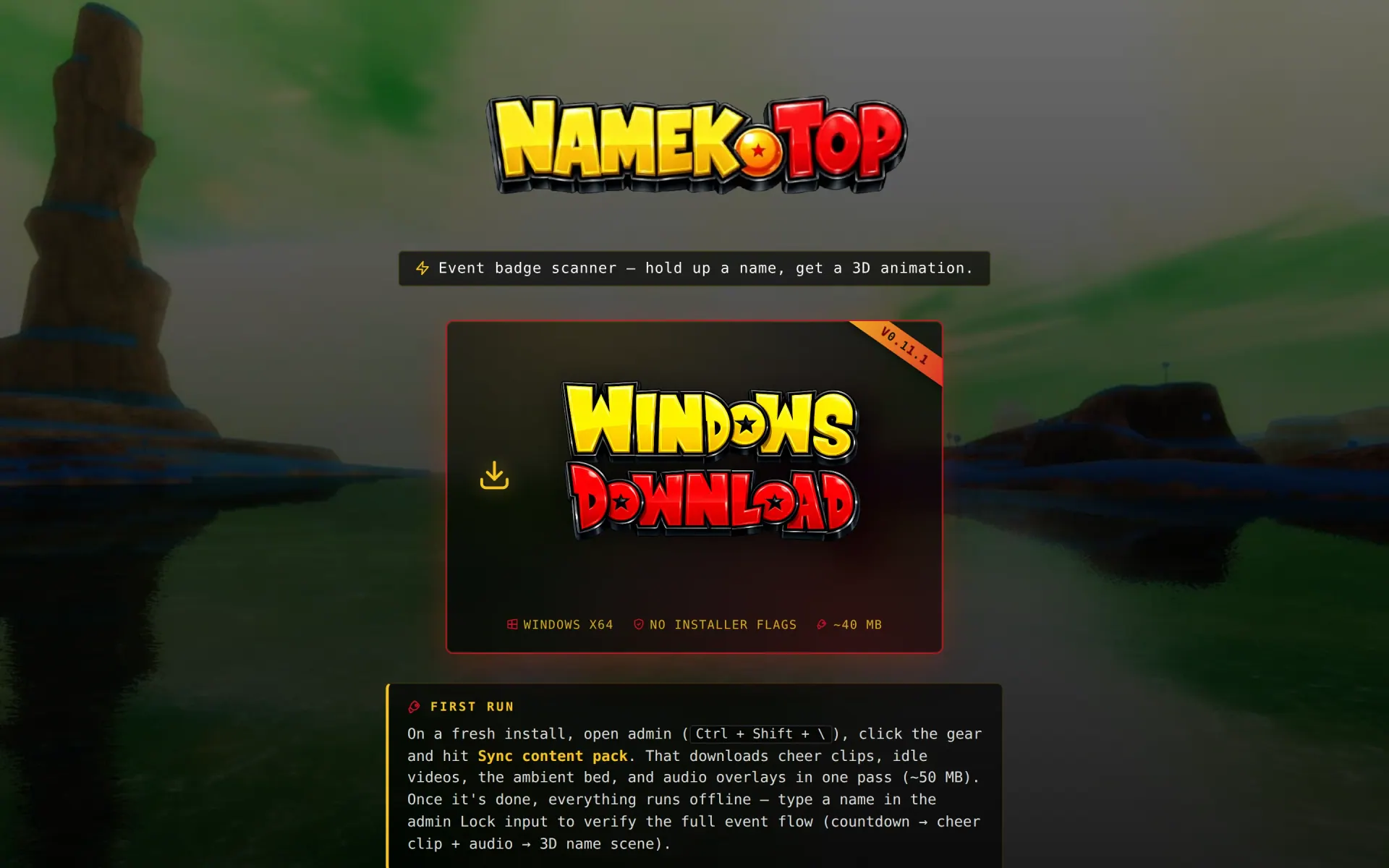

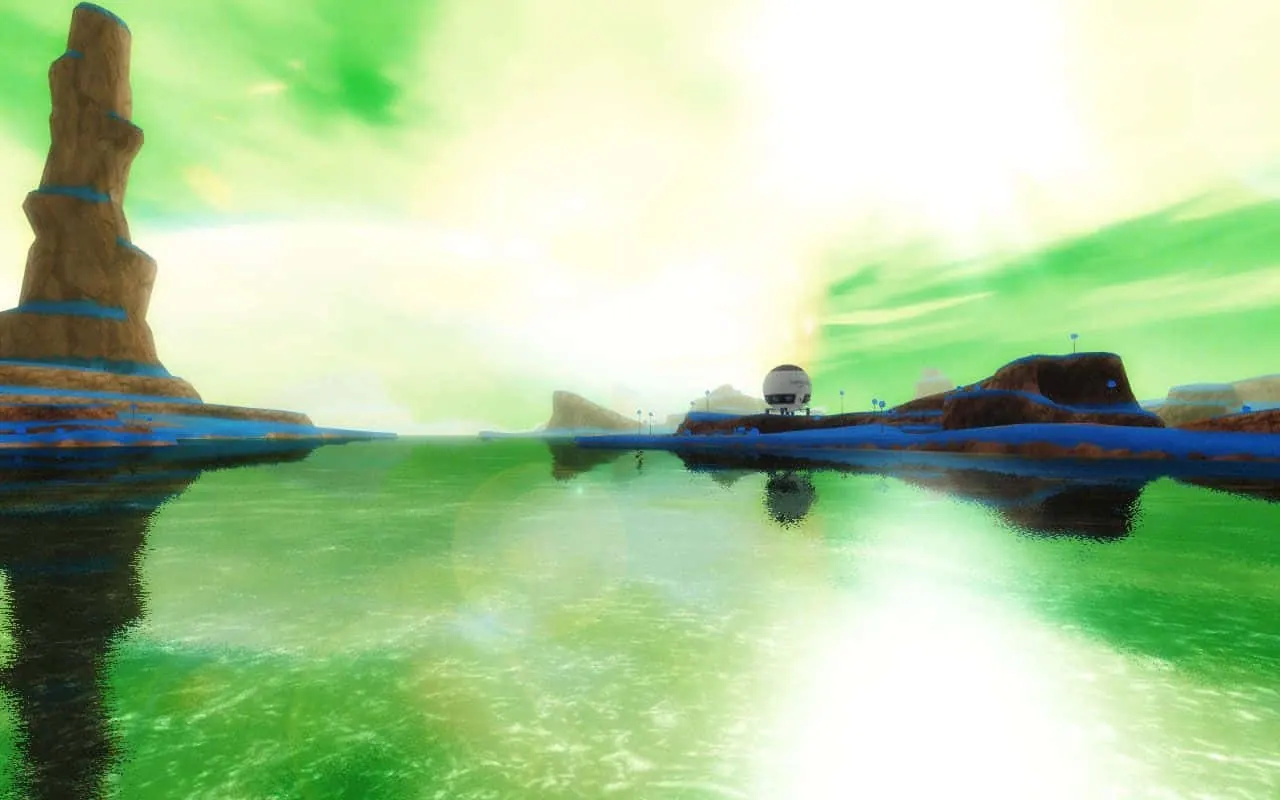
Namek is the desktop tool we built for the long tail of conferences, expos, and live activations where "scan the badge, do the thing" needs to feel like a moment — not a barcode beep. A camera watches the operator's frame, a stillness detector waits for a held-up badge to sit calmly in view, OCR reads the name, and the second the lock fires a 3D animation of that name plays over a background loop. No cloud. No dependency on event Wi-Fi. Pure Win32 + camera + a bundled OCR sidecar.
How it actually works
- Camera + stillness detector — frames flow into a 10-slot ring buffer; an SSIM / grayscale-diff pass decides when the badge is stable enough to commit. No button, no countdown — the operator just holds the badge up and the system catches it.
- QR-anchored crop — before OCR ever runs, OpenCV's QR detector finds the badge's code (we don't decode it, we just want the box) and the frame is cropped to the rows above it. Venue signage, lanyard sponsor text, and booth backdrop never reach the OCR engine. No QR in frame? The full frame falls through untouched.
- Badge-layout anchoring — PaddleOCR (PP-OCRv3 mobile) reads the crop, then a per-event badge layout — header, company line, footer — acts as a structural prior so a clean read locks on the first observation instead of needing two consecutive matches. Partial holds fall back to a regex + name-dictionary pass with a two-scan confirmation. Layouts, thresholds, and a scene-reference filter (subtract the ambient text behind the operator) are all tunable from the admin bar. Frames never touch disk outside an opt-in debug log.
- Themed 3D text scenes — every theme is a
TypeScript module against a tiny
TextSceneModuleinterface (init / update / cleanup, plus an options schema the admin UI binds to). The registry shuffles enabled themes with no-repeat-until-cycle-exhausted so back-to-back scans don't double up. - Two-monitor mode — a
--playerprocess renders just the stage, joined to the scanner over a localhost WebSocket. The operator stays on the main screen; the audience watches the show. - Stage extras — per-clip cheer audio with hold-and-fade windows, waveform-visualised fades, a branded watermark across every stage output, and selectable font faces per theme. A scanner-only "lite" installer drops the audio packs for booths that just need the read.
- Bundled, offline by contract — no runtime
network calls outside
127.0.0.1. The OCR sidecar is fetched once during build, signed, packed into the NSIS installer, and verified on launch.
How it ships
The whole thing is one just package away from a
signed Windows installer. Wails wraps the Go backend and the
Svelte frontend into a single binary; NSIS bundles that with
the OCR sidecar, default fonts, and starter video loops; a
minimal landing page at namek.top
serves the latest installer with a JSON-driven version pin so
the download CTA never points at a stale build.
Why a desktop app
Live events are hostile to web stacks: convention-center Wi-Fi blacklists half the world, OCR latency over a network round-trip kills the moment, and the camera permission model in browsers isn't built for kiosk use. A native binary owns the camera, owns the GPU, and survives the venue. Namek is small on purpose: one operator, one camera, one stage — designed to disappear into the booth and let the names do the talking.
Straight from the source
The project's own README.
Rendered in place — every link, image, and code block carried over from the repo. The page below is what a contributor would see opening the project for the first time.
Namek
Event badge scanner. Holds up a name badge → OCR reads the name → an animated 3D theme of that name plays over a background video. Optional second monitor as a player.
Stack: Wails v2 (Go backend) + Svelte/TypeScript (frontend) + Three.js (3D text) + bundled OCR sidecars (Tesseract, PaddleOCR).
Read
mvp.mdfor the ordered build phases. This file is the canonical repo layout and operating rules.
Repo layout
namek-app/
├── main.go                       # Wails entry. Flags: --player, --connect=ws://...
├── app.go                        # App struct (Wails Bind target)
├── wails.json                    # Wails project config (version, build hooks)
├── VERSION                       # Single source of truth for product version
├── internal/                     # Go backend, not exposed to Svelte directly
│   ├── capture/                  # Camera enumeration + GrabFrame() + lock state machine
│   ├── stillness/                # SSIM / grayscale-diff frame stillness detector
│   ├── ringbuffer/               # 10-slot in-memory frame buffer
│   ├── ocr/                      # Tesseract / Paddle / consensus + SQLite debug log
│   ├── ner/                      # Name extraction: regex + bundled name dict
│   ├── playlist/                 # Video playlist load/save (config/playlist.json)
│   ├── themes/                   # Persisted enabledIds + per-theme overrides
│   └── ipc/                      # In-process bus + ws bridge for player windows
├── frontend/
│   ├── src/
│   │   ├── routes/
│   │   │   ├── +page.svelte      # Scanner (default)
│   │   │   └── player/+page.svelte  # --player route: Stage only
│   │   └── lib/
│   │       ├── stage/            # VideoDeck, Stage, TextStage (Three.js)
│   │       ├── stores/           # playlist, debug, theme stores
│   │       ├── themes/           # _base.ts (TextSceneModule), registry, theme files
│   │       ├── konami/           # listener.ts (Ctrl+Shift+\ admin toggle)
│   │       └── components/       # CameraPanel, TextScenesModal, VideoScenesModal, etc.
│   └── (Wails-generated config)
├── assets/
│   ├── videos/                   # Default background loops
│   ├── fonts/                    # facetype JSON for Three.js text
│   └── images/                   # Ghost-card outlines, icons
├── config/                       # Runtime config (committed: .gitkeep only)
├── bin/                          # tesseract.exe, paddleocr.exe (fetched, not committed)
├── installer/
│   └── nsis/                     # NSIS installer script
├── web/                          # The namek.top site. `just site-deploy` syncs to /var/www/namek/
│   ├── index.html
│   ├── changelog.md              # Embedded into site at build time
│   └── (assets)
├── scripts/                      # Dev helper scripts
├── dist/                         # Build output: namek.exe, Namek-Setup-X.Y.Z.exe
├── justfile
├── .gitignore
├── README.md                     # This file
└── mvp.md                        # Build plan / phase tracker
TextSceneModule interface
Every theme in frontend/src/lib/themes/ exports this:
export interface TextSceneModule {
  id: string;                                  // unique, kebab-case
  label: string;                               // human-readable name
  optionsSchema?: OptionsSchema;               // drives the admin editor UI
  defaultDurationMs: number;                   // how long the lock animation plays
  init(ctx: SceneContext, opts: object): SceneInstance;
}

export interface SceneInstance {
  update(deltaMs: number): void;
  cleanup(): void;
}

export interface SceneContext {
  scene: THREE.Scene;
  camera: THREE.Camera;
  renderer: THREE.WebGLRenderer;
  text: string;                                // the locked name
  font: THREE.Font;                            // pre-loaded face
}
The registry (frontend/src/lib/themes/registry.ts) discovers theme modules via a Vite import.meta.glob, holds enabledIds, and pickNext(name) returns the next theme with no-repeat-until-cycle-exhausted shuffle.
Just commands
| command | what it does |
|---|---|
just dev |
wails dev — hot-reload scanner window |
just build |
wails build -platform windows/amd64 -clean → dist/namek.exe |
just package |
build + NSIS compile → dist/Namek-Setup-X.Y.Z.exe |
just sign |
code-sign the installer (cert path from $NAMEK_SIGN_CERT) |
just fetch-deps |
downloads tesseract + paddleocr binaries into bin/ |
just site-deploy |
rsync web/ + latest installer → $NAMEK_SITE_DEST |
just clean |
wipe build/, dist/, frontend/.svelte-kit/ |
$NAMEK_SITE_DEST defaults to /var/www/namek/ on the deploy box.
Hard rules (from mvp.md — repeated here so they're never missed)
- No runtime network calls other than
127.0.0.1. - Camera frames never touch disk outside the debug-only OCR SQLite log.
- No binaries >50MB committed without owner approval —
just fetch-depspulls them. - No new top-level folders beyond what's listed above.
- Files ≤150 lines, functions ≤30 lines wherever practical.
- Phase boundaries are real — finish a phase before refactoring across them.
- Scope creep →
QUESTIONS.md— don't guess; surface and stop.
Daily working rhythm
- Pull. Read
mvp.mdand find the active phase's first unchecked task. - Make the smallest commit that advances it.
- Tick the checkbox in
mvp.mdin the same commit. - If a task surfaces a scope question → write it into
QUESTIONS.mdand stop.
Owner
[email protected] — GitHub saintpetejackboy.
Repo: https://github.com/saintpetejackboy/namek-app (private).
Deploys to: https://namek.top.
Build something like this
Want a tool like this for your shop?
We've shipped this kind of thing before. Twenty-minute intro call, no slides.